
Dead Quiet00
Free 24-hour demo. Version 1.2.2. macOS: AU, VST3. Windows: VST3.
Moove carves space in your mix by ducking one sound in time with another, from a smooth tempo-synced pump to surgical frequency-domain carving. Then it lines them up in phase so everything hits hard and stays tight.
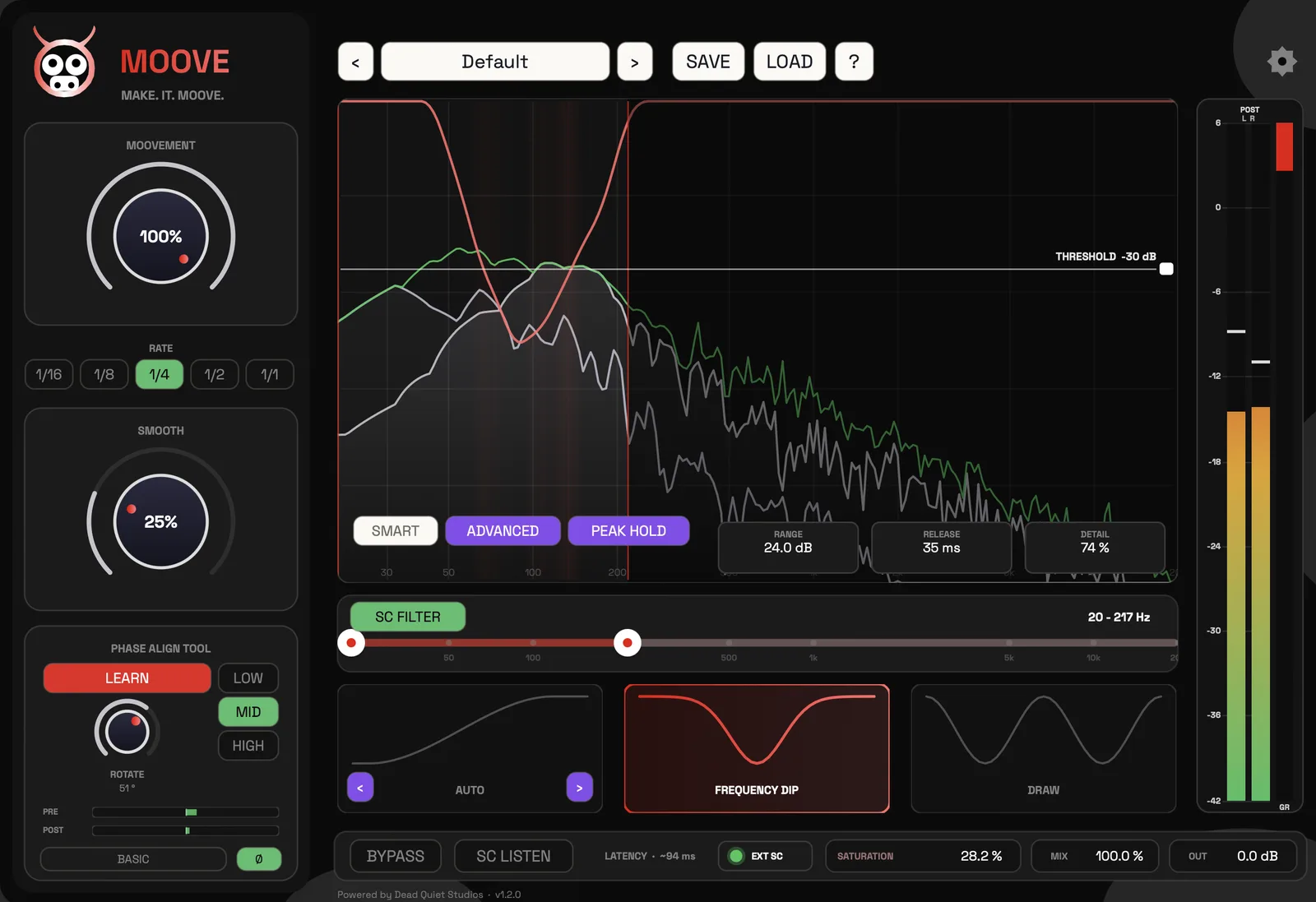
Instead of ducking the whole signal, a high-resolution FFT dips only the frequencies where kick and bass collide. Watch both on the live analyser, set the threshold where they clash, and use the SC Filter band-pass to keep the carving exactly there. Range, release and detail fine-tune how deep and how fast it carves.
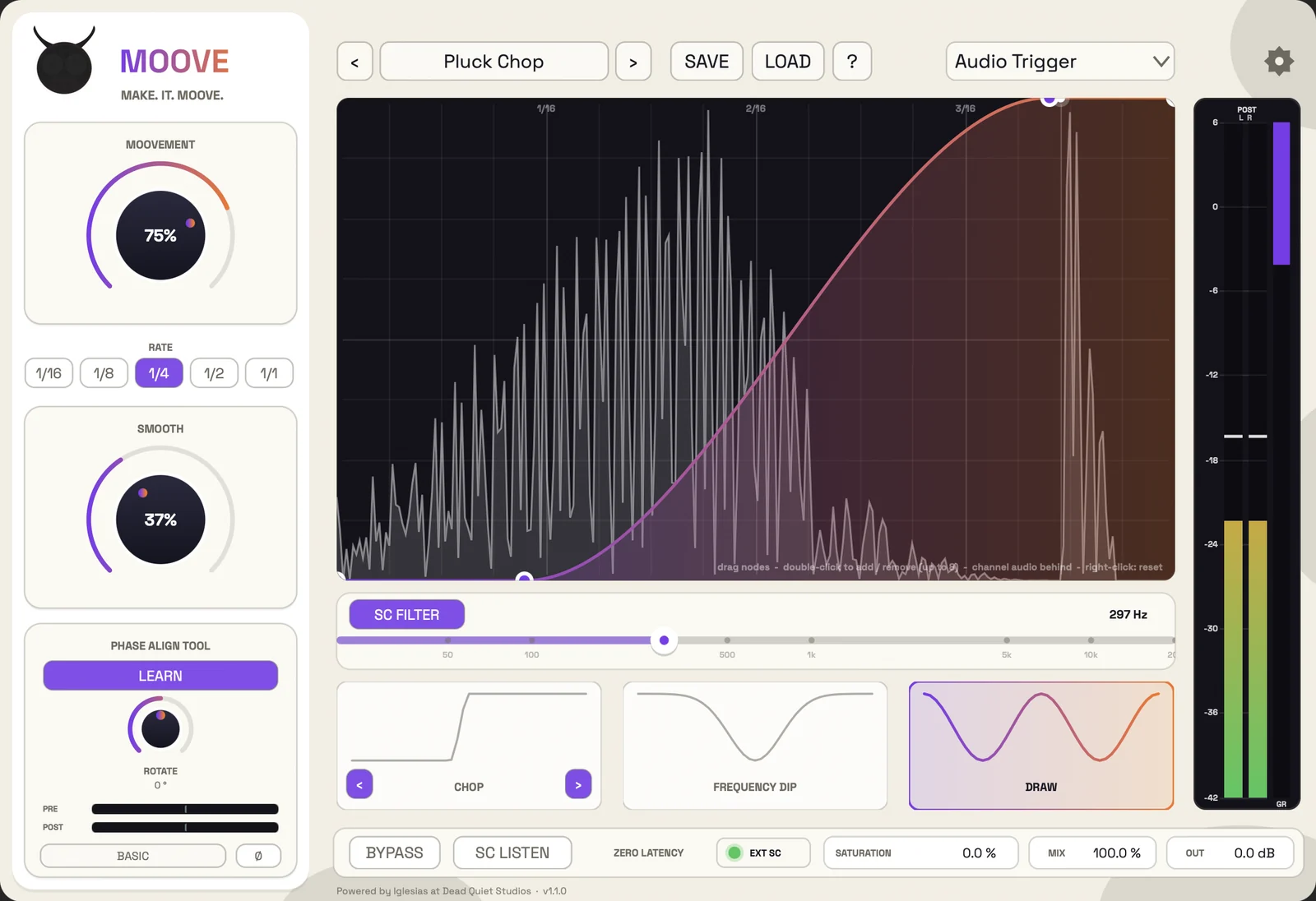
Draw your own ducking shape with up to eight nodes. Your channel audio sits behind the curve so you shape around the real sound, with a playhead riding along in time. Set the rate from 1/16 to 1/1 and smooth it from sharp and aggressive to gentle and flowing.
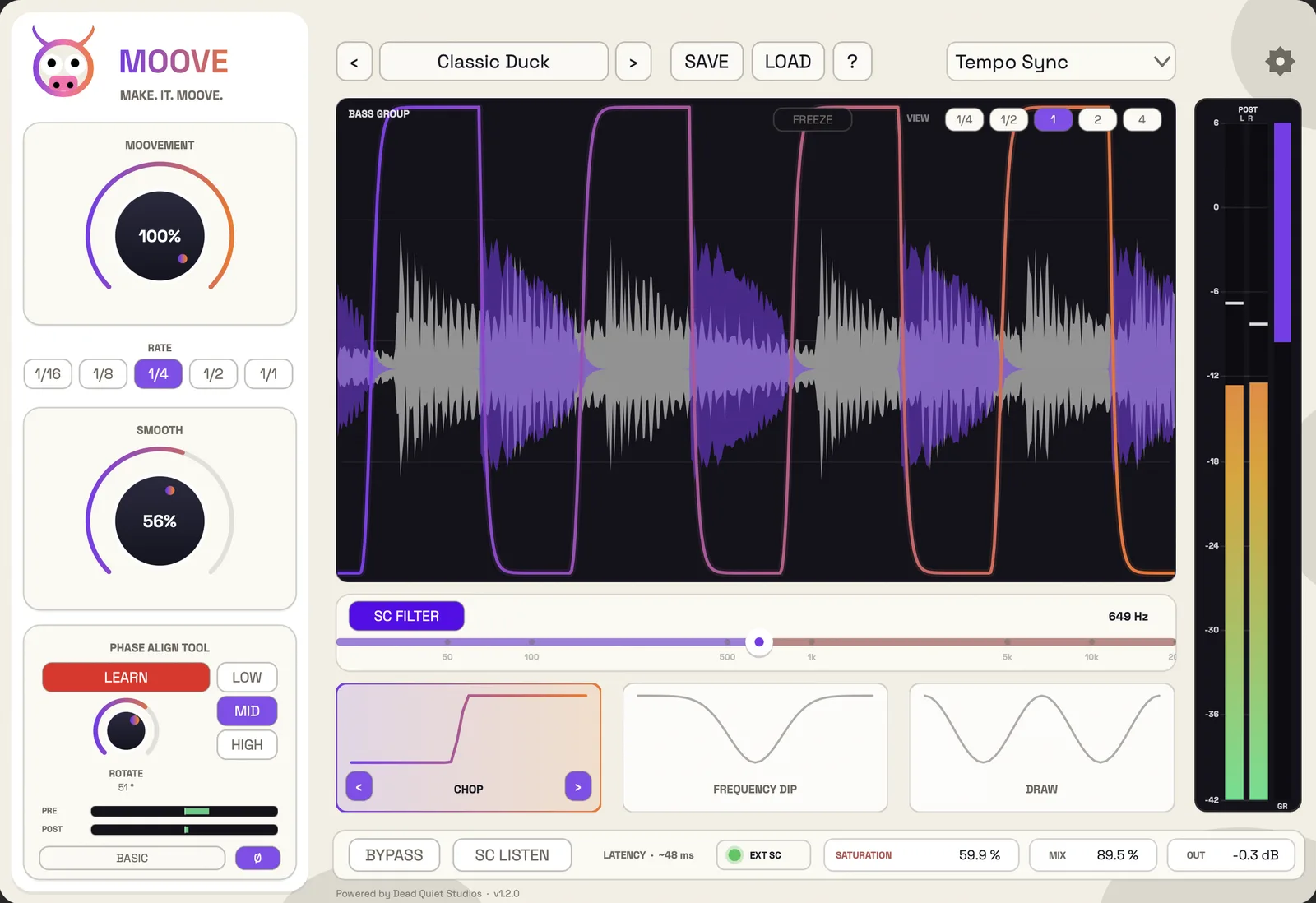
Flick through Auto, Chop, Duck, Glide, Gate and Punch with the arrows, or start from one of 75 factory presets. Your audio and the duck curve scroll together so you see every hit. Shown here in the Light skin; switch to the black and red Dead Quiet skin in Settings.
Auto, Duck, Gate, Chop, Glide and Punch. Six tempo-synced shapes from a gentle pump to a hard rhythmic chop. Locked to your host tempo, driven by tempo, audio or MIDI, and completely zero-latency.
Kick and bass often fight in the sub even after ducking, because their waveforms are out of phase. Hit LEARN and Moove listens to both and lines them up for you, so energy adds up instead of cancelling out. Pick LOW for kick and bass, MID for snares, claps and vocals, or HIGH for hats and tops, where LEARN fixes the timing first.
| Feature | What it does |
|---|---|
| No routing needed | Tempo Sync ducks in time with your host, no sidechain required. |
| External sidechain | Feed any external source through your DAW for source-accurate movement. |
| Trigger modes | Tempo Sync, Audio retriggered by transients, or MIDI fired from notes. |
| Six ducking shapes | Auto, Duck, Gate, Chop, Glide and Punch. |
| Draw mode | Draw your own curve with up to 8 nodes. |
| Rate & Smooth | Cycle from 1/16 to 1/1; round the curve from sharp to gentle. |
| Frequency Dip | A linear-phase FFT dips only the colliding frequencies. |
| Phase Align (Learn) | One click lines up two sounds in phase. LOW, MID or HIGH band. |
| Saturation module | Gentle saturation above the SC Filter adds warmth and character. |
| 75 factory presets | Professionally designed starting points. |
| Zero latency | All shapes and Draw are zero-latency; Frequency Dip and Rotate are delay-compensated. |
| Two skins | Light, or the black and red Dead Quiet skin. |
